Create Profile
Build a public profile on DINQ.
A Profile is DINQ's public profile and link-in-bio feature for talent, teams, labs, communities, and organizations. It brings together identity, public links, projects, research, work, and hiring-related information in one shareable place.
DINQ supports two Profile types:
- Individual Profiles: For individuals who want to present their professional identity, projects, GitHub, papers, social links, experience, and public work.
- Organization Profiles: For teams, labs, open-source communities, or companies that want to present their organization identity, members, projects, public links, and hiring-related information.
Individual Profiles
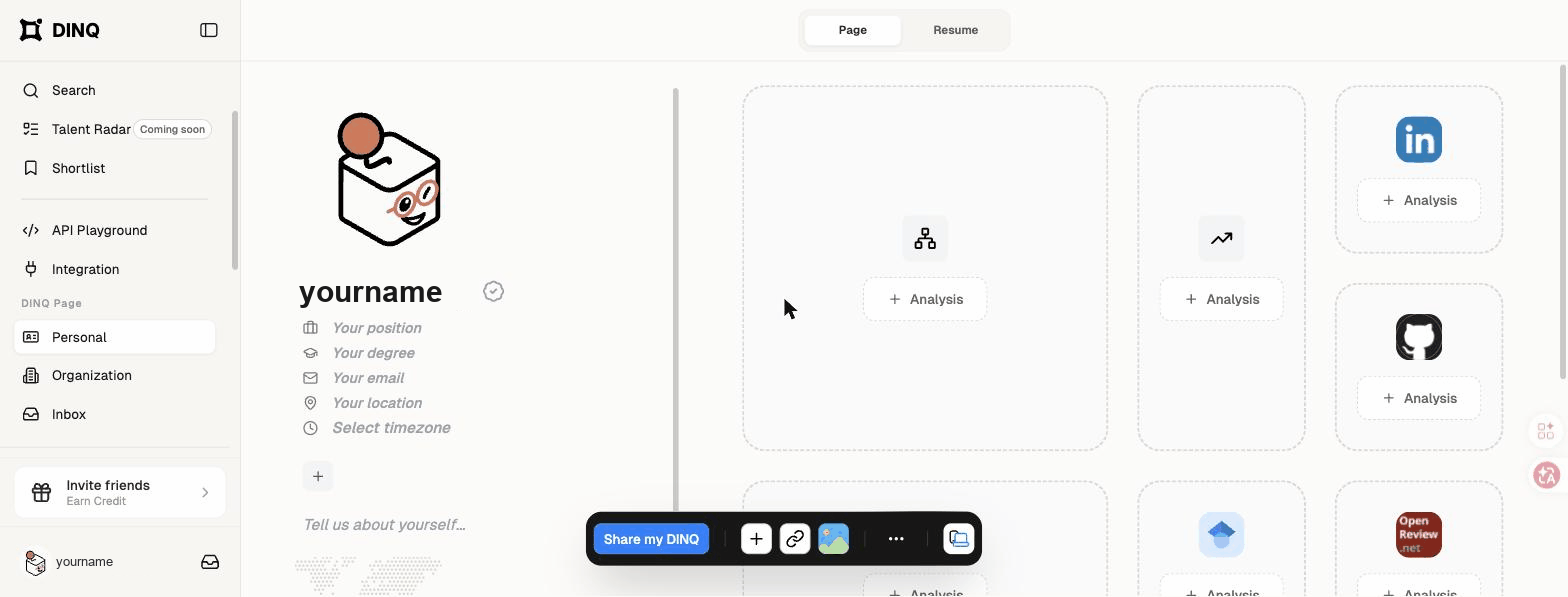
A Profile helps visitors quickly understand who you are, what you work on, and why your background is relevant. Use it as a public portfolio, professional bio, technical profile, or resume replacement.
Individual Profiles can include:
- Basic profile information, role, location, and expertise.
- Projects, shipped products, papers, repositories, and portfolio links.
- Social links such as GitHub, LinkedIn, Google Scholar, Hugging Face, or a personal website.
- Public experience, education, and professional background.
Organization Profiles
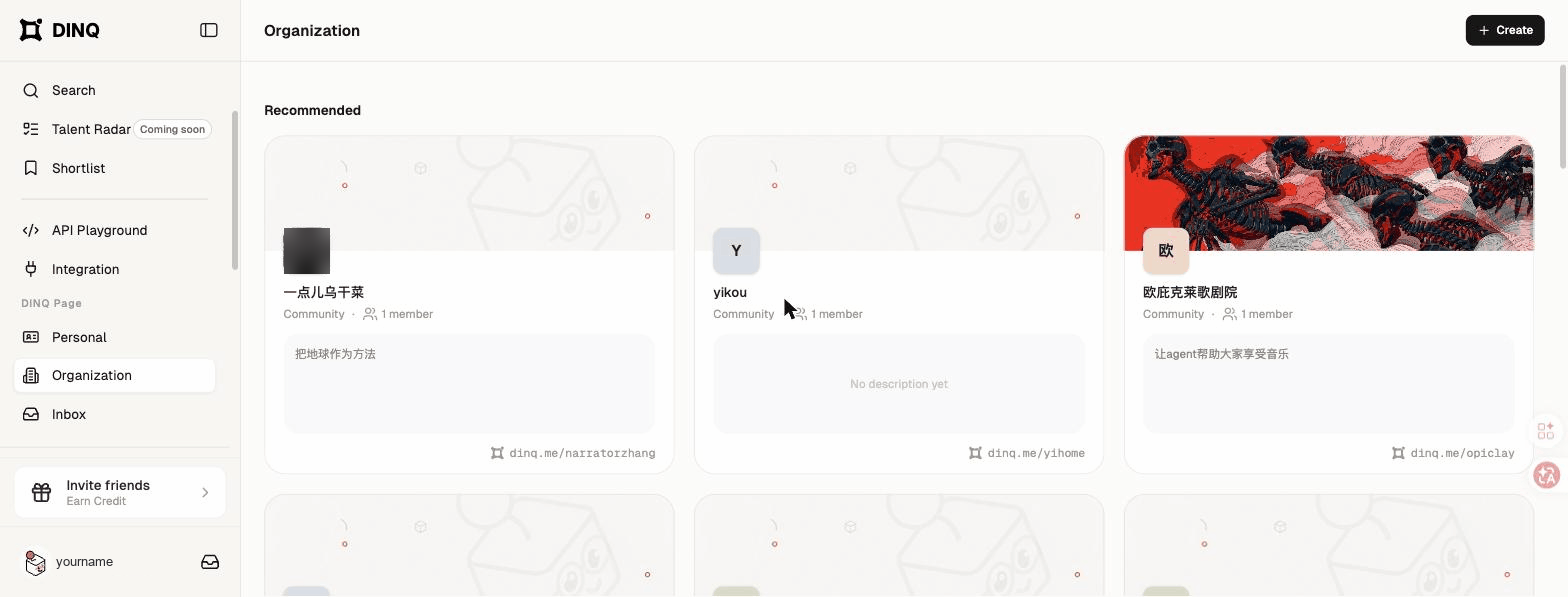
An Organization Profile helps teams, labs, communities, and companies present who they are and what they are building. It is useful when visitors need to understand an organization's members, projects, public presence, and hiring context in one place.
Organization Profiles can include:
- Organization profile information and public identity.
- Team, lab, community, or company links.
- Projects, repositories, research, or public work.
- Hiring-related information, member profiles, and relevant updates.
Create and publish a Profile
When you enter the Profile creation flow, choose one of the available setup options:
- Import: Pull information from LinkedIn or a personal website.
- Upload: Upload a PDF resume.
- Start from scratch: Fill in your Profile manually.
If you import a link or upload a resume, DINQ parses the information and prepares a first draft for review. If you start from scratch, enter your profile information manually, including avatar, name, role, company, education, location, expertise tags, and short bio.
Next, claim a unique handle for your public Profile, such as dinq.me/yourname. DINQ checks whether your desired link is available. After choosing your link, sign in or create an account using email, Google, or GitHub. DINQ connects your Profile and handle to your account, then publishes your Profile.
Once your Profile is live, add external links to platforms such as GitHub, LinkedIn, Google Scholar, Hugging Face, or your personal website. DINQ formats these links into visual DINQ Cards on your Profile.
Verification
Verification helps increase trust in Profiles and accounts. You can verify education, professional, or social identity signals so visitors can better understand the quality and authenticity of a Profile.
For hiring teams, organization members, and talent, verification can reduce friction for first-time visitors by making key background signals easier to recognize.